Tools are how your AI stops being useless
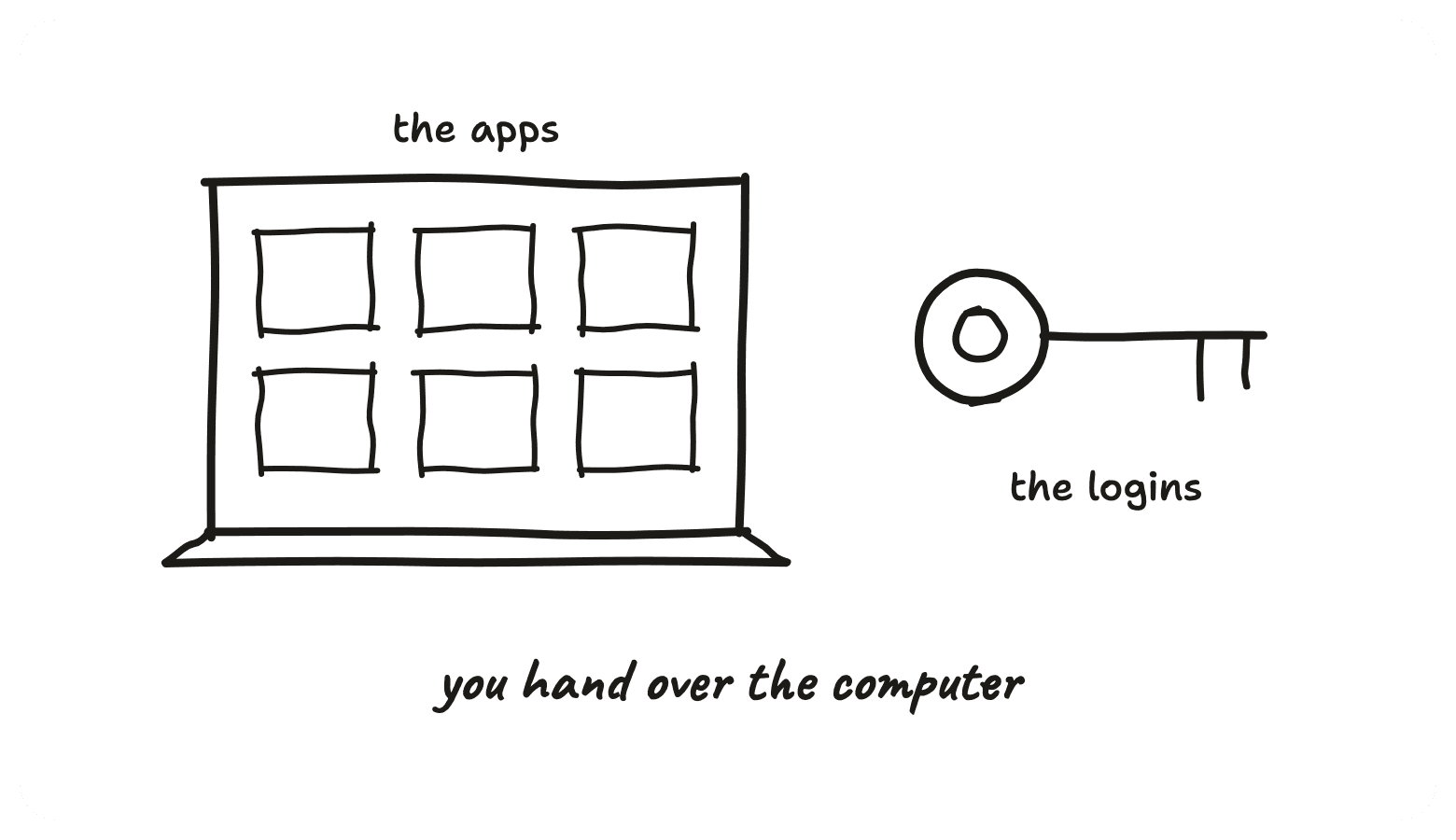
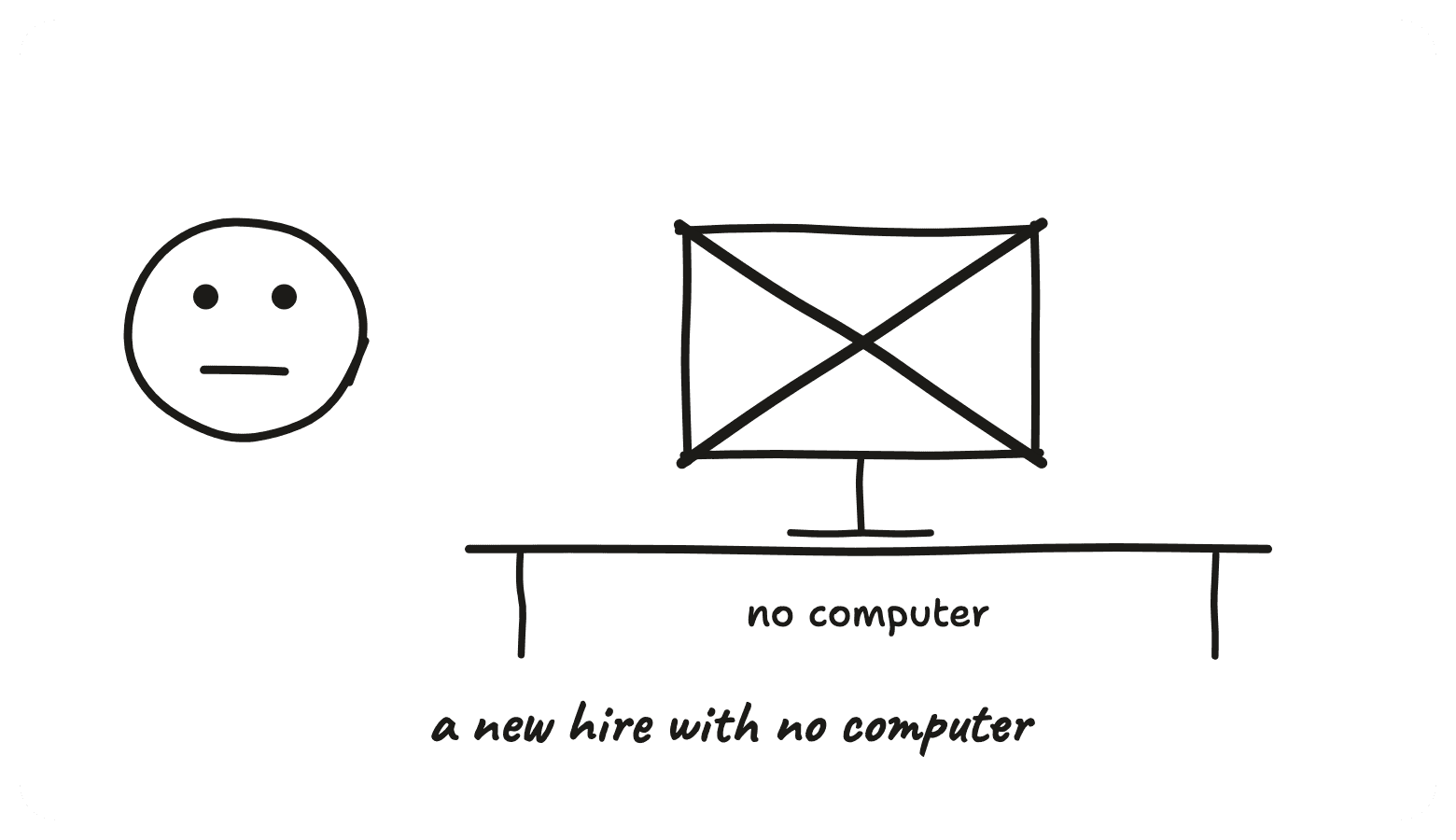
A brilliant new hire with no computer. This is you handing over the computer.
What you'll walk away with
- The two minute setup for connecting your first app, and how to disconnect it again
- A prompt that plans which apps to connect and how much access each one gets
- The four I would never connect, and why read only gets you most of the value
Connecting your first app takes about two minutes.
Connect Your First App
This takes about two minutes and there is nothing clever about it. In Claude, go to Settings, then Connectors. You get a list of apps. Click the one you want, log in with the account you actually want it using, and that is it, you are done. ChatGPT is the same flow under a slightly different menu name, and whatever your work has given you will have a version of the same screen somewhere in its settings.
One thing worth being deliberate about at the login step. Whichever account you log in with is the account it gets. If you have a personal inbox and a work inbox, it only ever sees the one you handed it, so pick on purpose rather than clicking through whichever one the browser had already signed you into.
And before you worry about getting this wrong, none of it is a one way door. Every connection you make can be disconnected from the exact same screen you made it on, and it can also be revoked from your Google or Microsoft account's own security page, which lists every service you have ever connected and cuts any of them off in one click. Connect one, see how it feels, disconnect it if you do not like it.
A Prompt That Plans Your Connections
Knowing how to connect an app is the easy half. The harder half is which ones, and how much access each one gets. Paste this into Claude or ChatGPT exactly as written and answer its questions. It interviews you about what you actually want an agent doing, then comes back with a plan grouped three ways, full access, read only, and leave it alone for now, each with the reasoning, and matched to the risk tolerance you described rather than to what is technically possible. It will also tell you honestly if the work you described does not need any connections at all.
What To Connect First
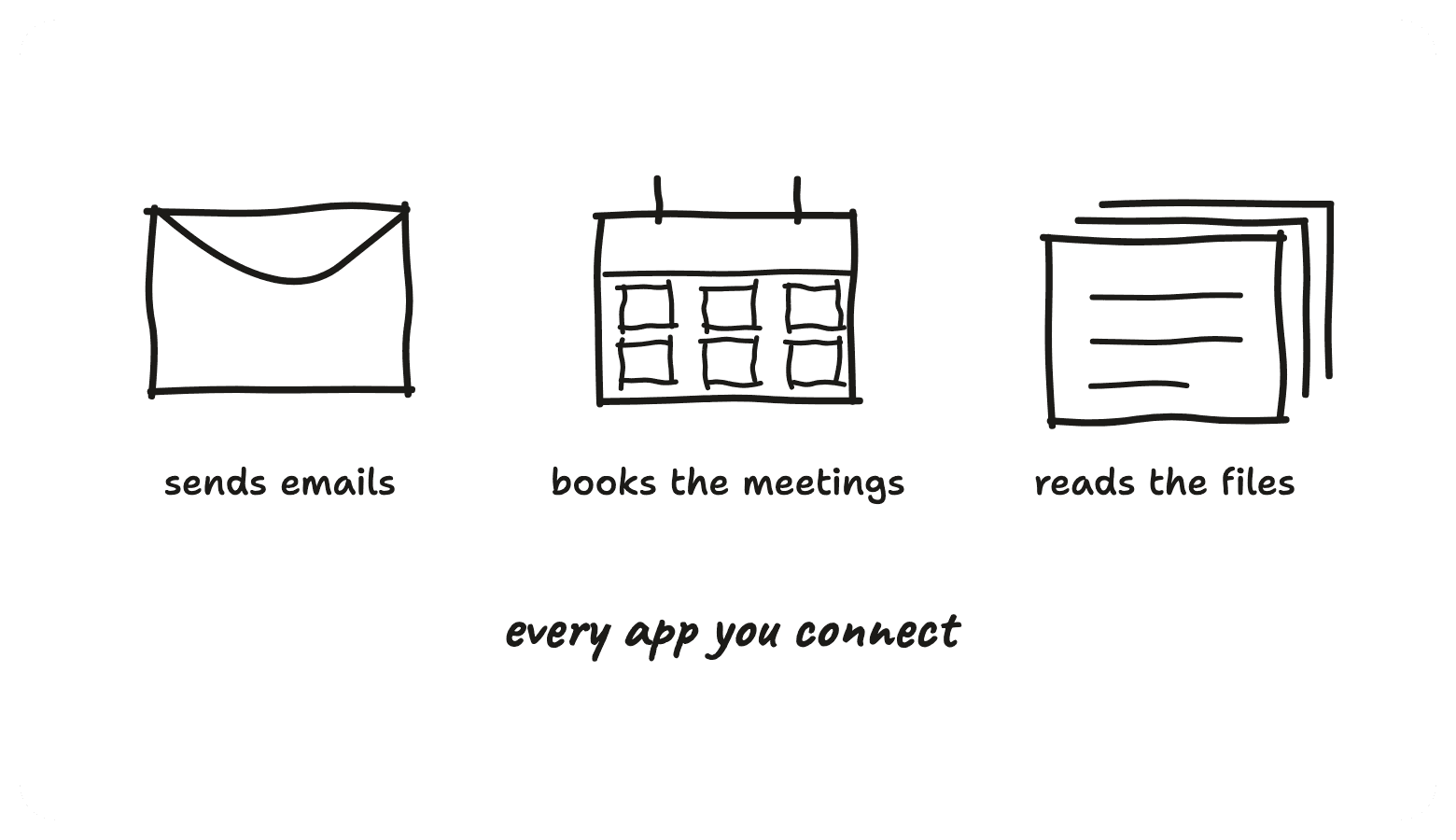
If you would rather just start, these are the sensible first keys, in this order. Each one turns something you currently do by hand into something that is already done.
The calendar
Start here. Low risk, immediately useful, and you feel the difference on day one. It reads your week, finds the gap, books the thing, moves the thing when the other person reschedules. The worst case is a meeting in the wrong slot, which you can see and fix in about four seconds. That is what makes it the good first key.
The drive or your files
Read only to begin with. This is the one that kills the copy pasting. Instead of opening the document, selecting all, pasting it into the chat and hoping the formatting survives, it goes and reads the document itself. Give it the folder and ask it a question about what is in there. Read only means it can see everything and change nothing, which for most of the value is all you need.
The inbox
The big one, and the one to be deliberate about. Start read only so it can see the thread, understand the history, and draft the reply for you to send. Later, if it has earned it and you have watched a few dozen drafts come back right, you can let it send. There is no rush on that second step, and plenty of people never take it.
The Ones I'd Never Connect
Short list, and I would keep it short on purpose so it is easy to remember.
Anything that can move money. Banking, payment tools, anything with a card behind it or a button that sends funds somewhere.
Password managers. That is the keys to every other lock in one place, which makes it the one thing worth never handing over.
Anything with admin control over other people's accounts. If the app lets you change what your colleagues can see or do, it is not yours to lend out.
Work systems holding other people's personal data, unless your workplace has explicitly signed it off. Customer records, HR systems, anything with someone else's life in it. That decision is not yours to make on your own, and asking first is a two minute conversation.
The why is one line. An agent with a wrong guess in the wrong app is the walls story, where the mistake had already happened before anyone was in a position to catch it. None of these are hypothetical risks and none of them need scaring you off connecting anything. They are just the four places where being wrong costs more than being helpful is worth.
Read Only Is A Real Option
The bit people miss is that access is not all or nothing. Most apps let you hand over the ability to look without handing over the ability to change anything, and that middle setting is where a lot of the sensible answers live.
Think about what read only actually buys you. It reads the whole email thread and drafts the reply, you press send. It reads the document and answers your question about it, which was the thing you were copy pasting for in the first place. It reads the calendar and tells you where the gap is. That is most of the value, at a fraction of the risk, because the worst case is it tells you something wrong rather than doing something wrong.
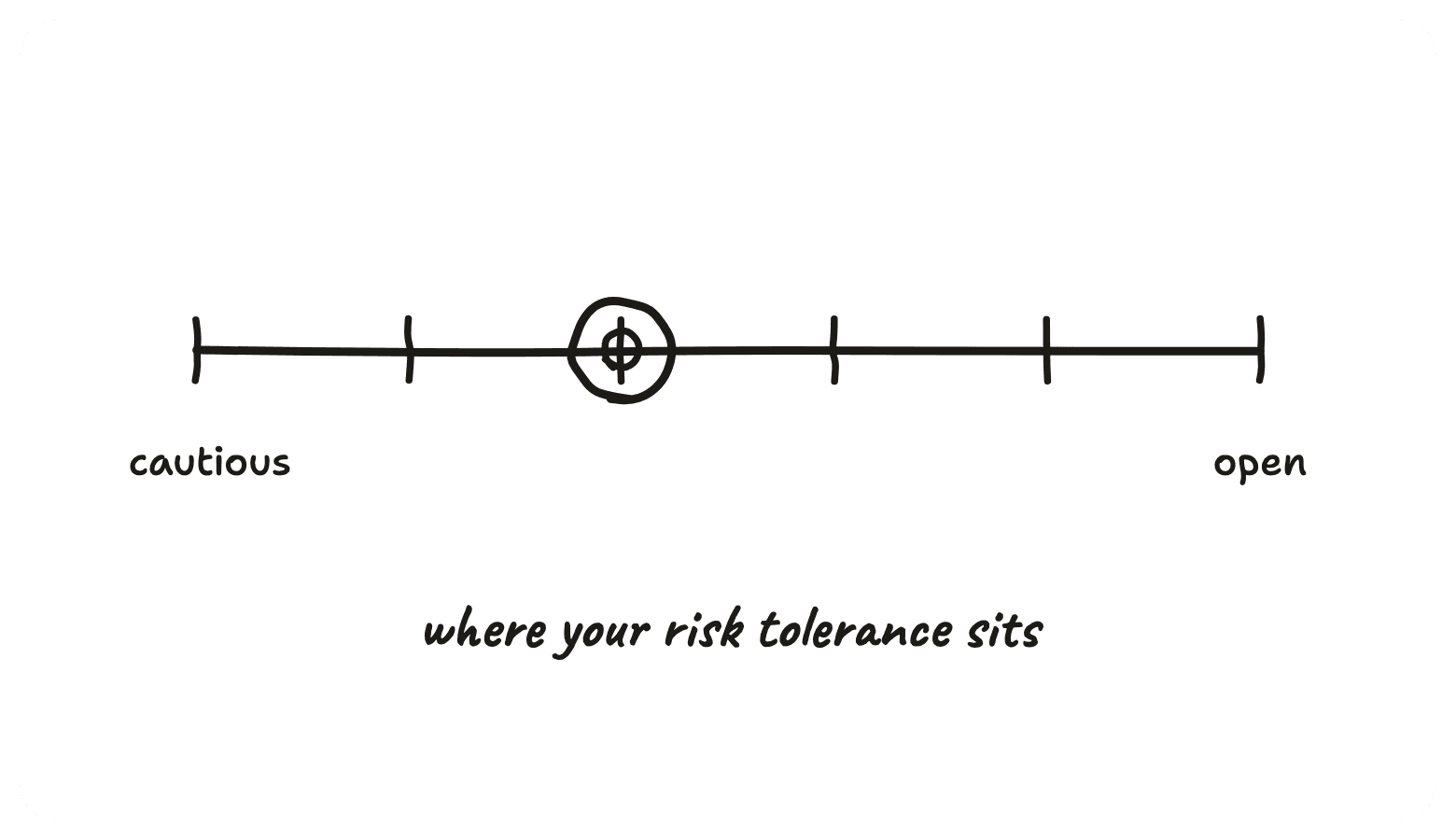
Where your line sits is a personal call, and it genuinely is a call rather than a right answer. Some people are happy for it to send emails in week one, some never will be, and both are reasonable positions. Have a think about where your own risk tolerance sits before you decide what to hand over, because that is the actual decision here. The autonomy ladder is the longer version of that thinking, deciding how much supervision each task gets rather than settling it once for everything.
Composio, For Connecting Everything
The built in list of apps is short. It covers the obvious ones and then stops, and sooner or later you want something that is not on it. This is the bit I use myself, so it is worth naming.
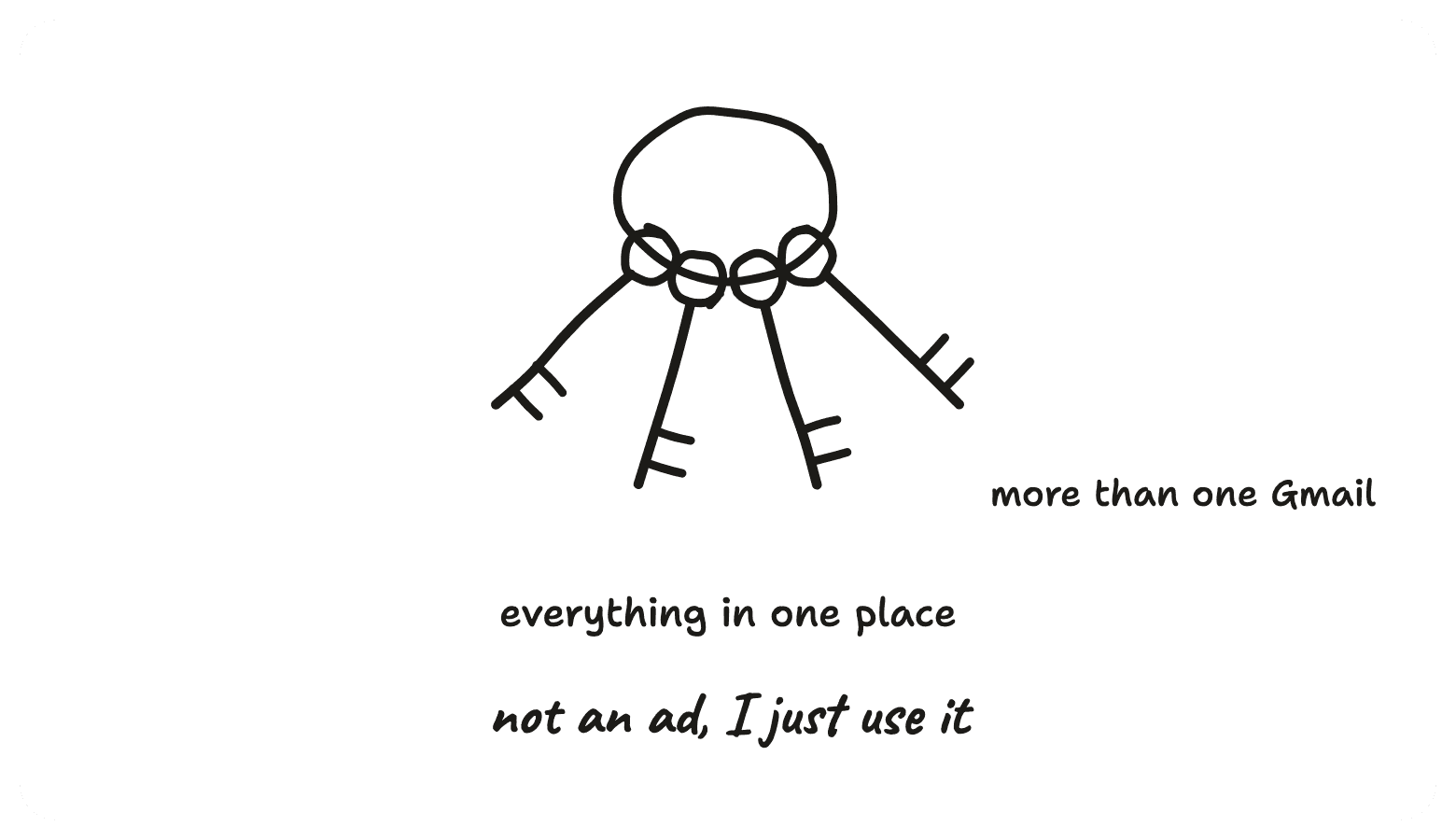
Composio is a platform that has already done the connecting to hundreds of apps. Rather than your AI plugging into each app one at a time, it plugs into Composio once and reaches everything through it. Think of it as one keyring instead of a drawer full of loose keys.
The thing that made it worth it for me is multiple email accounts at the same time. I have four inboxes across work and personal, and the built in connectors mostly want you to pick one. Through Composio they are all there together, which is the difference between an assistant who handles your email and one who handles the inbox you happened to log it into.
Now the honest bit, because it gets exactly the same treatment as everything else on this page. A platform like this sits in the middle holding the keys to every app you plug into it. That is not a flaw in how it is built, it is what the thing is, and it means it is a single point of failure by design. Everything convenient about one keyring is also the reason one keyring is worth thinking about before you fill it.
So treat it like any other access decision. Plug in only the apps you actually use, rather than connecting everything because the list is there. Prefer read only wherever it is offered. And know the revoke path before you need it, which is the same one as everything else here, your Google or Microsoft account security page lists every connected service and can cut any of them off in one click.
Why This Works
An AI with no connections is a brilliant new hire with no computer. It knows the job, it can tell you exactly what to do, and it can do none of it. So you sit there being the middleman, and that is where the whole day goes.
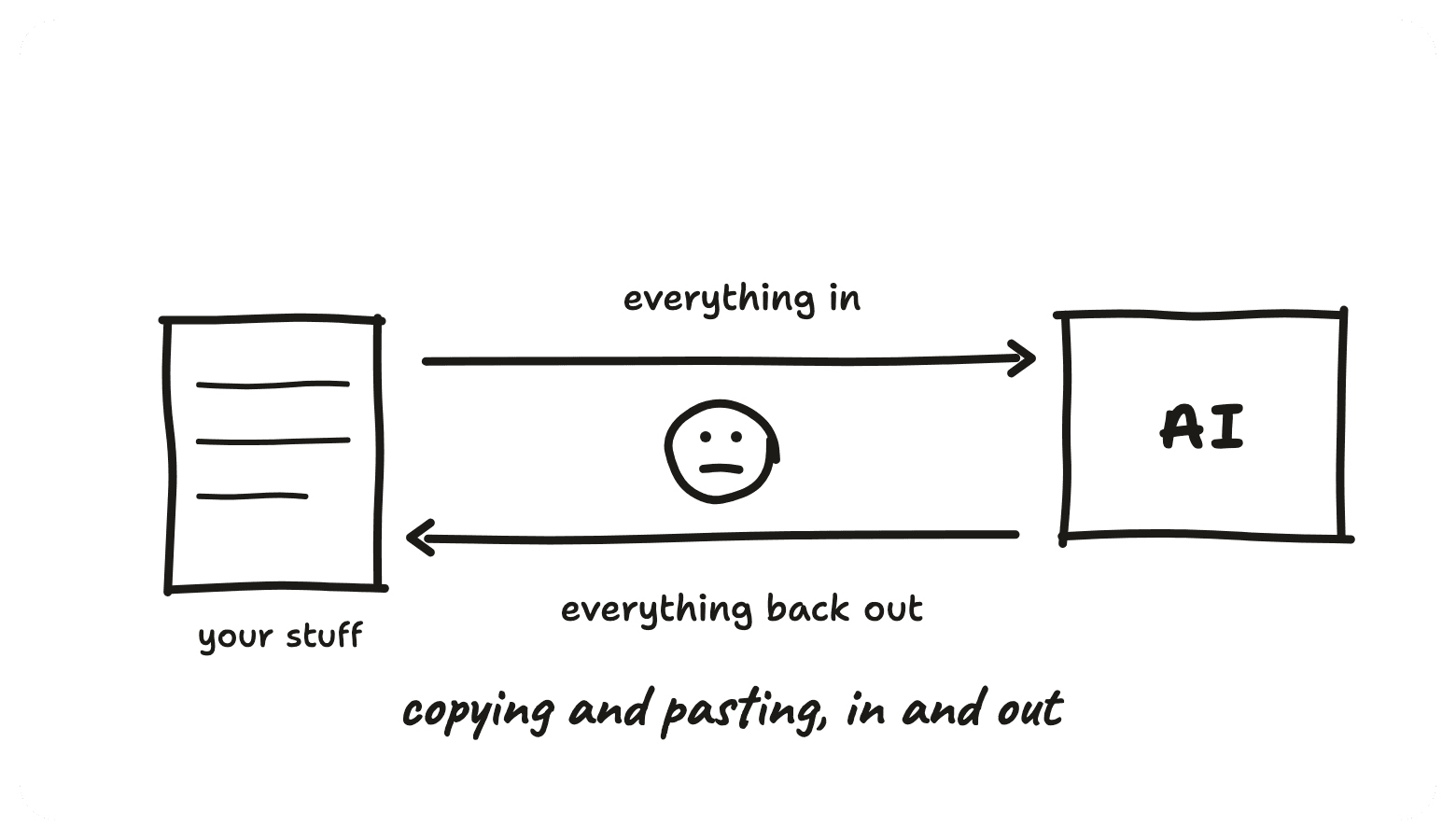
You spend ages copy pasting everything in, the email thread, the document, the numbers off the spreadsheet, just so it knows what is going on. Then you spend just as long getting the answer back out, into the email, into the doc, fixing the formatting it broke on the way. Shuttling information in and out of a chat box.
Connecting your apps is you handing over the computer. Every app you connect turns one more "here is what I would write" into "done, sent". The inbox sends the email rather than describing it. The calendar books the meeting rather than suggesting a time. The drive reads your files itself rather than waiting for you to paste them. You stop being the one in the middle.
Where This Goes Next
This is part two of three. An AI agent is a chat with a job is the overview, what an agent actually is and the three things it is made of. Part one, the brief is your agent's personality, is the document it reads before every message you send. And if you build things, giving AI the keys to your tools is the longer setup guide for the same idea.
Part three is the context is what your agent actually knows, the background information it needs in front of it before it can do a job properly. AI does not remember you, it reads, so a background file is the difference between advice for anyone and an answer that sounds like your business.
Want to get better at this?
Let's set up your agent ecosystem.
This page is one job. The whole thing is a set of them running off the same foundation, the folder your AI works out of, the brief on how you like things done, the accounts it can reach and the skills that run off all of it, so your admin gets done the way you would do it. It is what I teach one to one, on your own machine and against your own work, and the quickest way to find out what yours would look like is a proper chat about it.
Not ready for a call? Start with the free agent series, what an AI agent actually is, and build up from there.