Turn Anything Into a Podcast
NotebookLM turns what you want to learn into a two-person podcast — and you can give the hosts roles to play. The setup, and the prompts I use.
You've probably heard of NotebookLM — the free Google tool that turns your sources into a genuine two-person podcast you can listen to on a walk or a commute. Most people stop at the default.
The bit worth knowing: in Customise you can tell the two hosts who to be. Give them personalities and have them act out the exact conversation you need — a pitch, a lecture, a debate. Here's how, with prompts to paste straight in.
The Setup
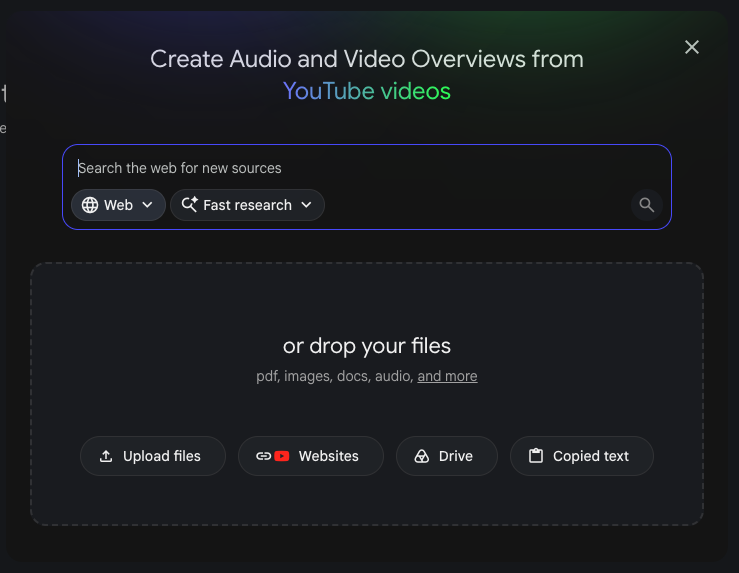
Open NotebookLM and tell it what you want to learn about
It's free. Start a new notebook and add what you want to cover — search the web and let it pull the research together (Fast research), or drop in your own files: a PDF, a website, your notes.
 Open NotebookLM →
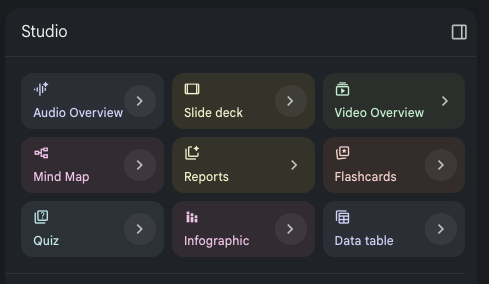
In the Studio panel, click Audio Overview
Studio is on the right. Audio Overview is the one that turns your notebook into a two-person podcast. (The others — slide deck, video, mind map — are for another day.)
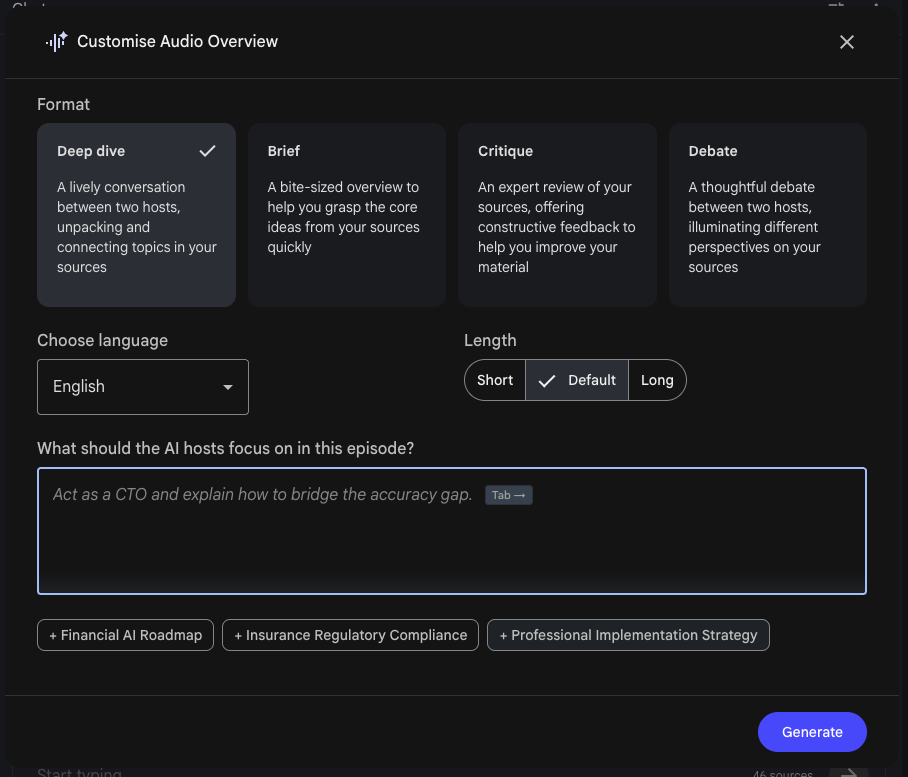
Hit Customise — pick a format, then give the hosts their roles
This is the bit most people skip. Choose a format (Deep dive for a normal chat, Debate for two opposing sides), then in "What should the AI hosts focus on?" tell it who the two hosts are and what conversation you want. That box is where the role-play lives — paste one of the prompts below.
Generate, and listen
Give it a minute and you've got your podcast. For the lecturer one, turn on Interactive mode and you can jump in as the student and ask your own questions, live.
The Role-Play Prompts
Paste one of these into the “What should the AI hosts focus on?” box, swap the bits in [brackets] for your own, and generate.
Rehearse a pitch
— Hear the objections before the real room does.Format: Deep dive
Learn something new
— One teaches, one asks the questions you would.Format: Deep dive · then use Interactive mode to jump in
Debate a decision
— Make them argue both sides so you can decide.Format: Debate
One honest note
It's only as good as what you feed it — give it solid sources and a clear brief. And the role-play is a rehearsal, not a crystal ball: it surfaces the obvious objections and lets you practise, but it won't predict exactly what the real person will say.